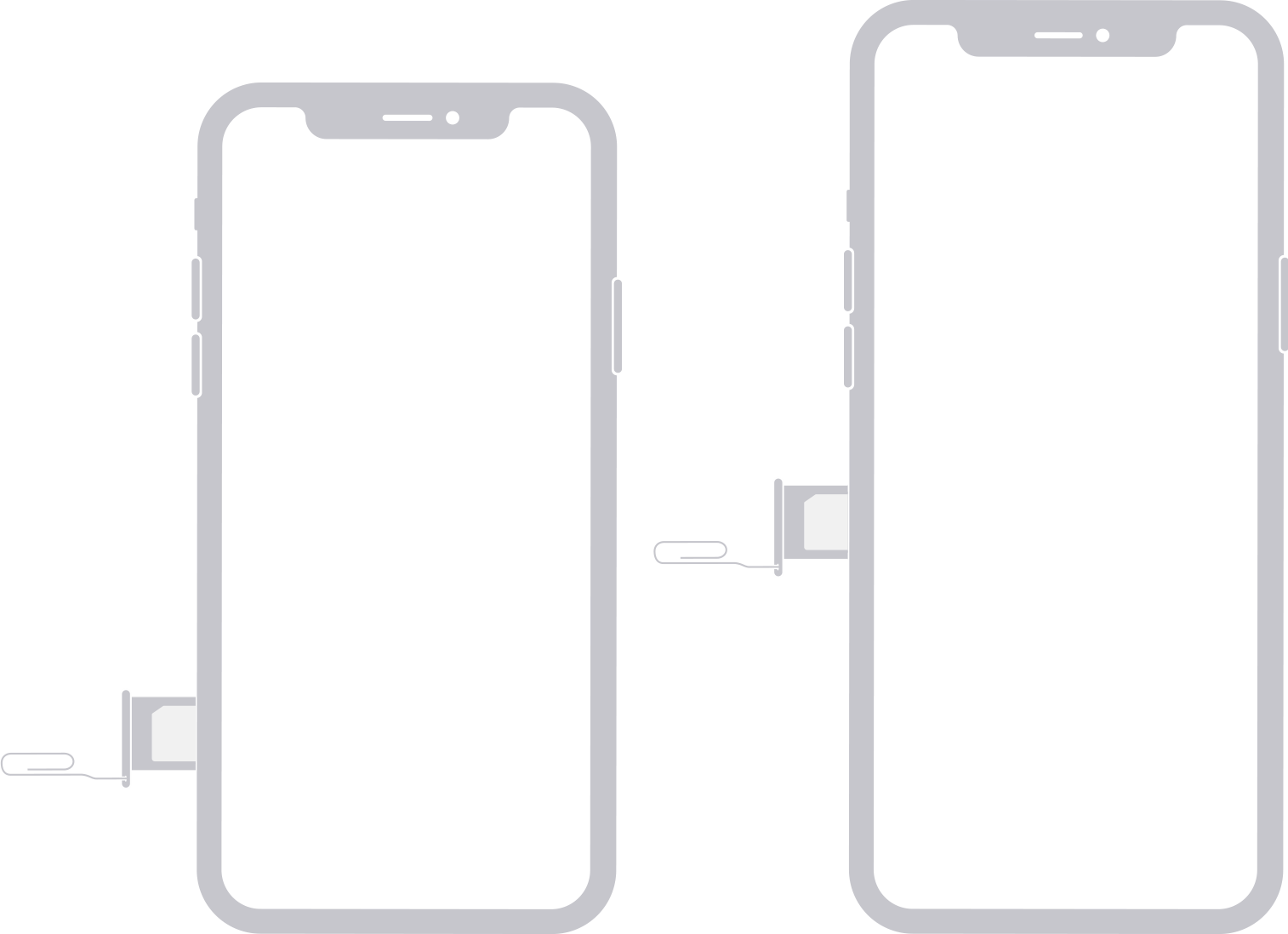
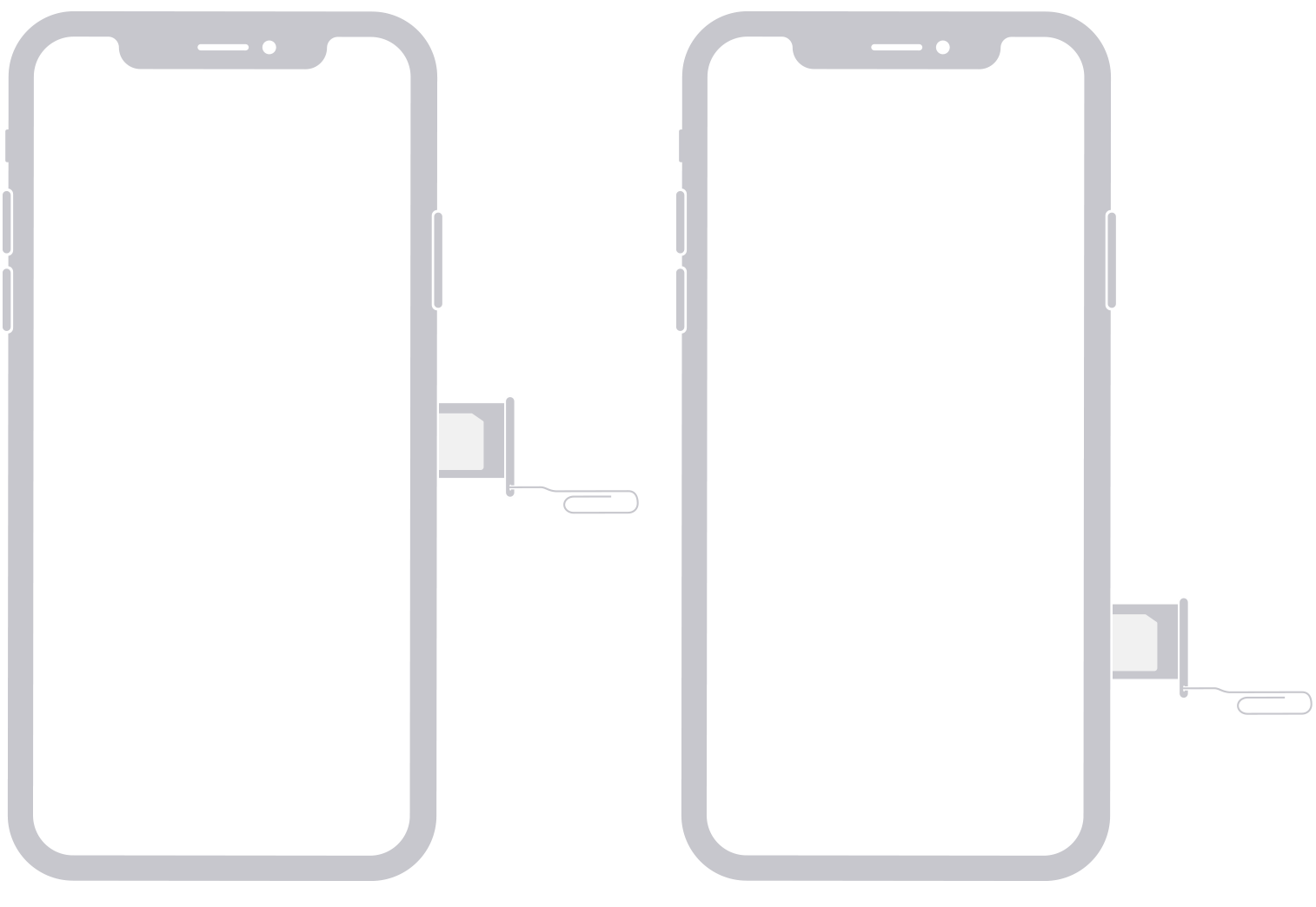
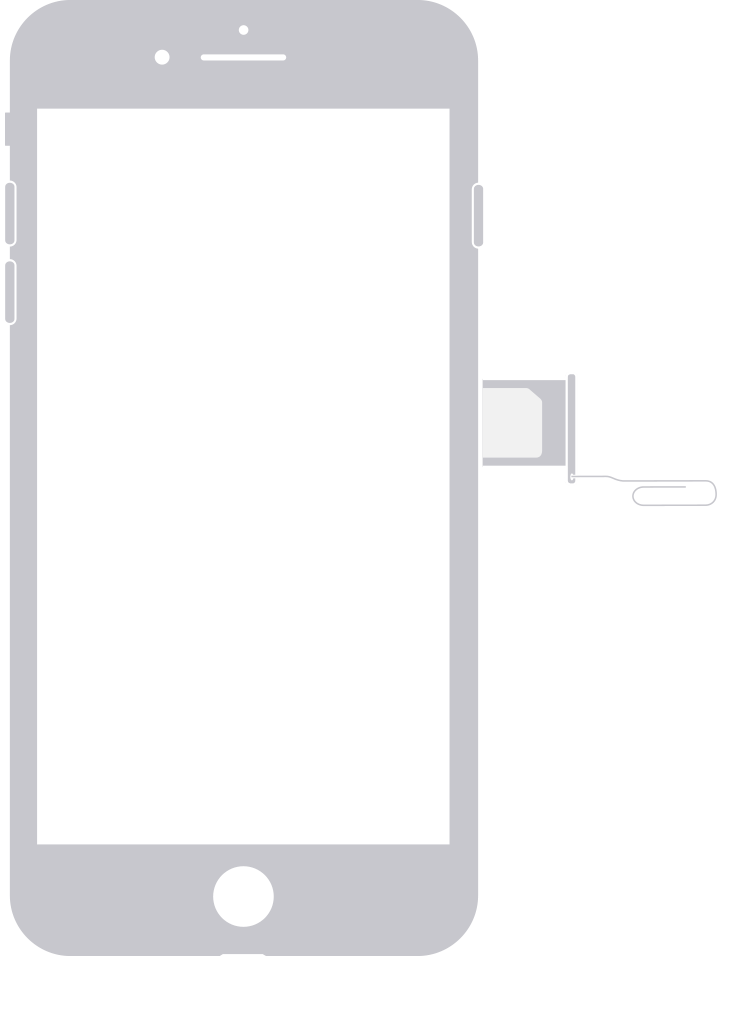
To pop open the SIM tray, insert a paper clip or a SIM-eject tool into the hole beside the tray. Push in, towards the iPhone, but don’t force it. If you're having difficulty ejecting the SIM tray, take your device to an Optimum Mobile Store or an Apple Store for help.
After removing the SIM card from the tray, notice the notch in one corner of the new SIM card. Place the new SIM card into the tray—it will fit only one way, because of the notch.
Then insert the tray into the device completely and in the same orientation that you removed it. The tray also fits only one way.